
Every Track Starts With Analytical Thinking
Eight tracks built from first principles — from cell references to AI-assisted analysis. Find the level that fits your work today and follow the path forward.
Choose Where You Begin
Excel Basics
Formulas & Functions
Dashboards
Power Query
Cells, ranges, formatting, and the logic behind a well-structured spreadsheet. The foundation every analyst returns to.
SUM, IF, VLOOKUP, INDEX-MATCH — each formula is a thinking tool. Learn to ask questions your data can answer.
Build dynamic, readable dashboards from raw data. Structure the story before the visual ever loads.
Clean, reshape, and connect data sources without writing a line of code. Analytical thinking at the data layer.
Data Analytics
Excel for Finance
Automation
AI + Excel
Macros and VBA to eliminate repetitive work. Spend your time thinking, not formatting the same report twice.
Where Excel's first-principles logic meets modern AI tools. The analyst who knows both has a structural advantage.
Pivot tables, statistical summaries, trend analysis — apply structured methods to real business questions.
Models, reconciliations, and financial logic built in Excel. The language finance teams actually speak.
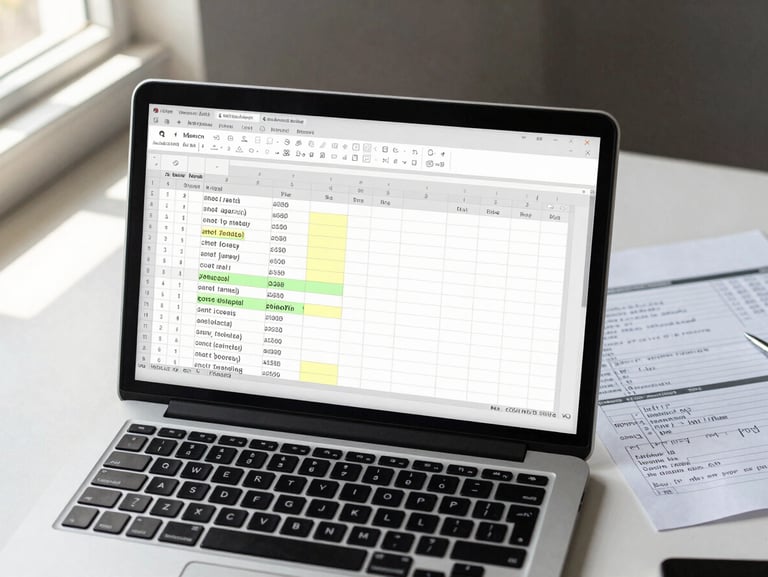
Formulas Are Thinking Tools, Not Shortcuts
Each track ships with practical exercises and downloadable templates drawn from real analytical work — budgets, models, dashboards — so you build the habit of structured thinking, not just syntax recall.
Start With Excel. Grow Beyond It.
Every template, exercise, and lesson lives in one place. Pick a track above or explore the full template library to get hands-on immediately.